Creating a New Account on CrawlFAQs
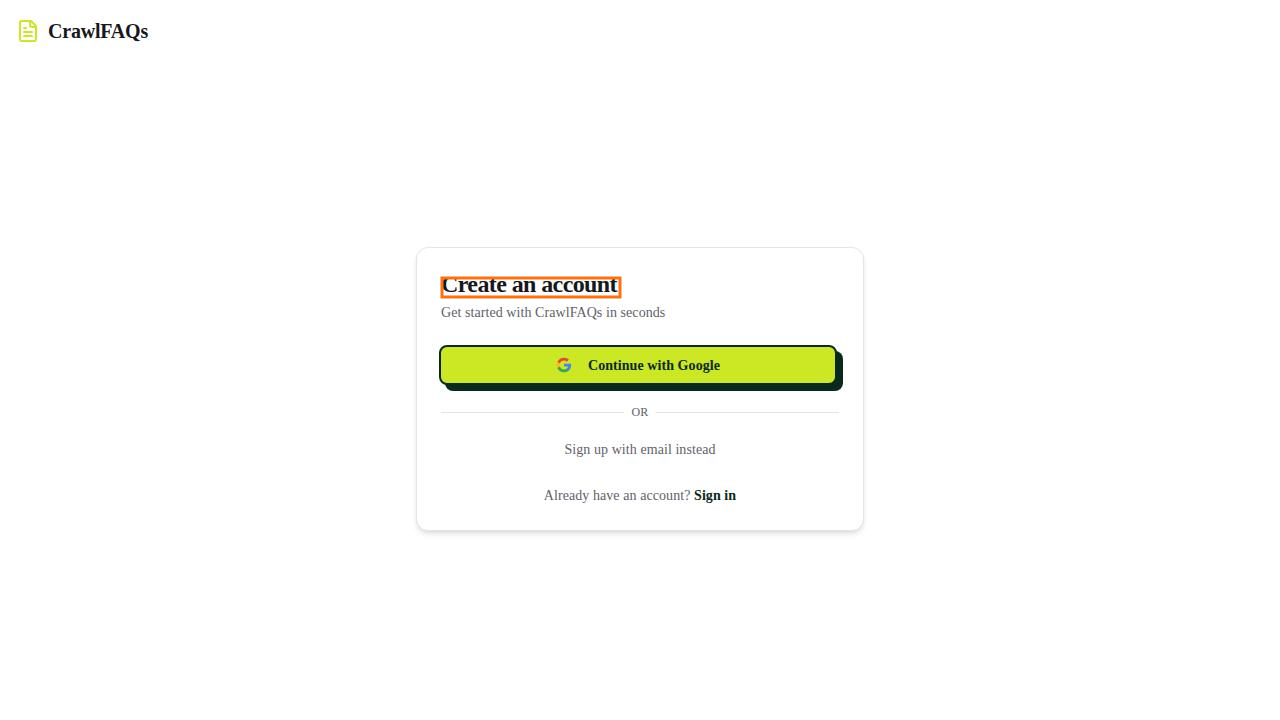
To create a new account on CrawlFAQs, you have two options: signing up with your Google account or using your email address. If you prefer to use your Google account, simply click on the 'Create account with Google' button. This will redirect you to authenticate your Google account and complete the sign-up process. On the other hand, if you wish to sign up using your email address, click on the 'Create account with email' button. You will be prompted to enter your email and create a password. Once you have filled in the required information, follow the on-screen instructions to complete your account creation. Both methods are designed to ensure a smooth onboarding experience, allowing you to choose the option that best suits your preferences.